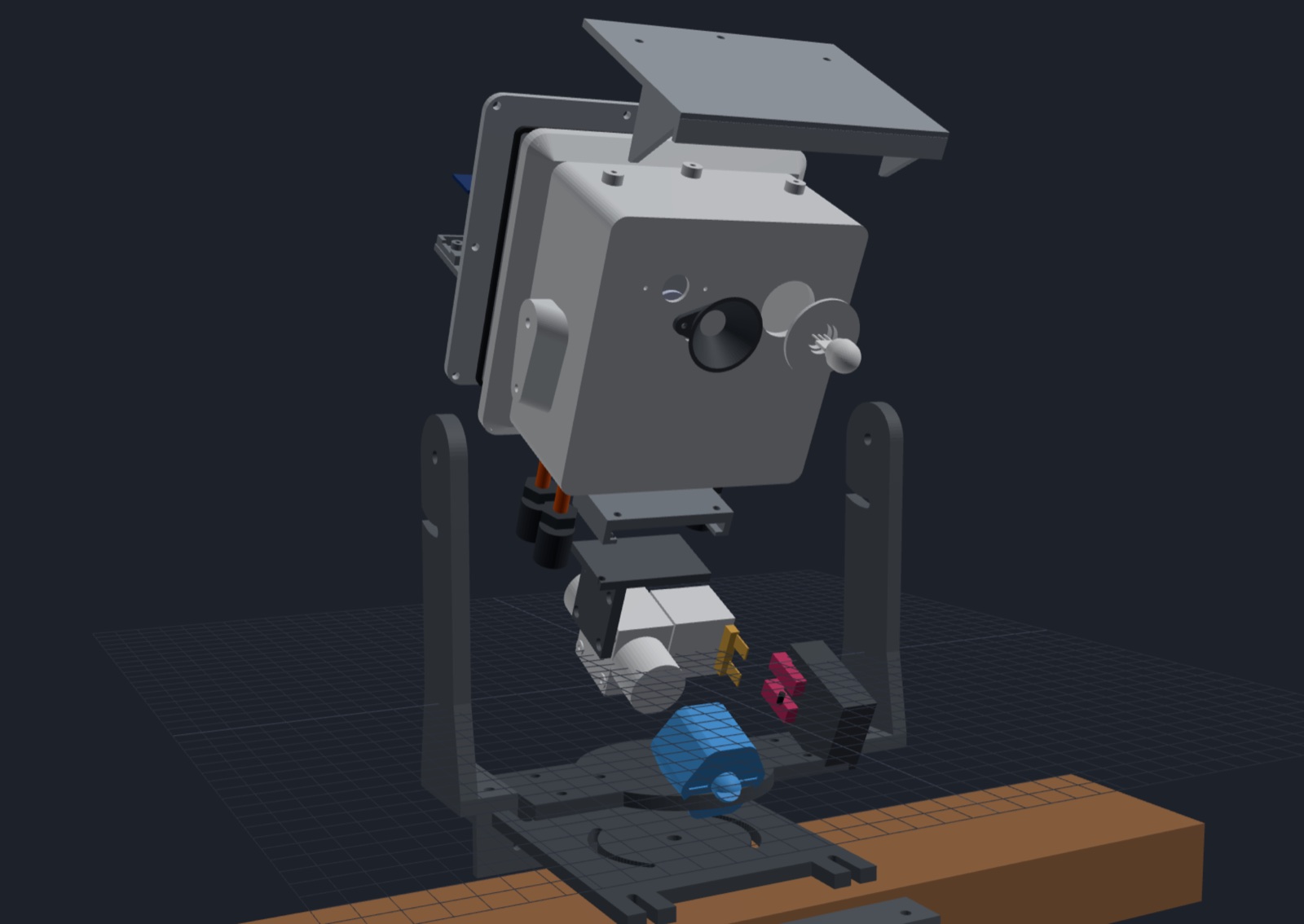
Result. Bench's 3D view can now pull a model apart. A model can be split into sub-assemblies (the electronics sled, the valve, the rail mount), and an Explode slider spreads them out so you can see how it goes together. Each group can be pulled out on its own, hidden, or shown alone. Saved views now remember all of that, so "the valve on its own, exploded" is one click.
Why it needed one
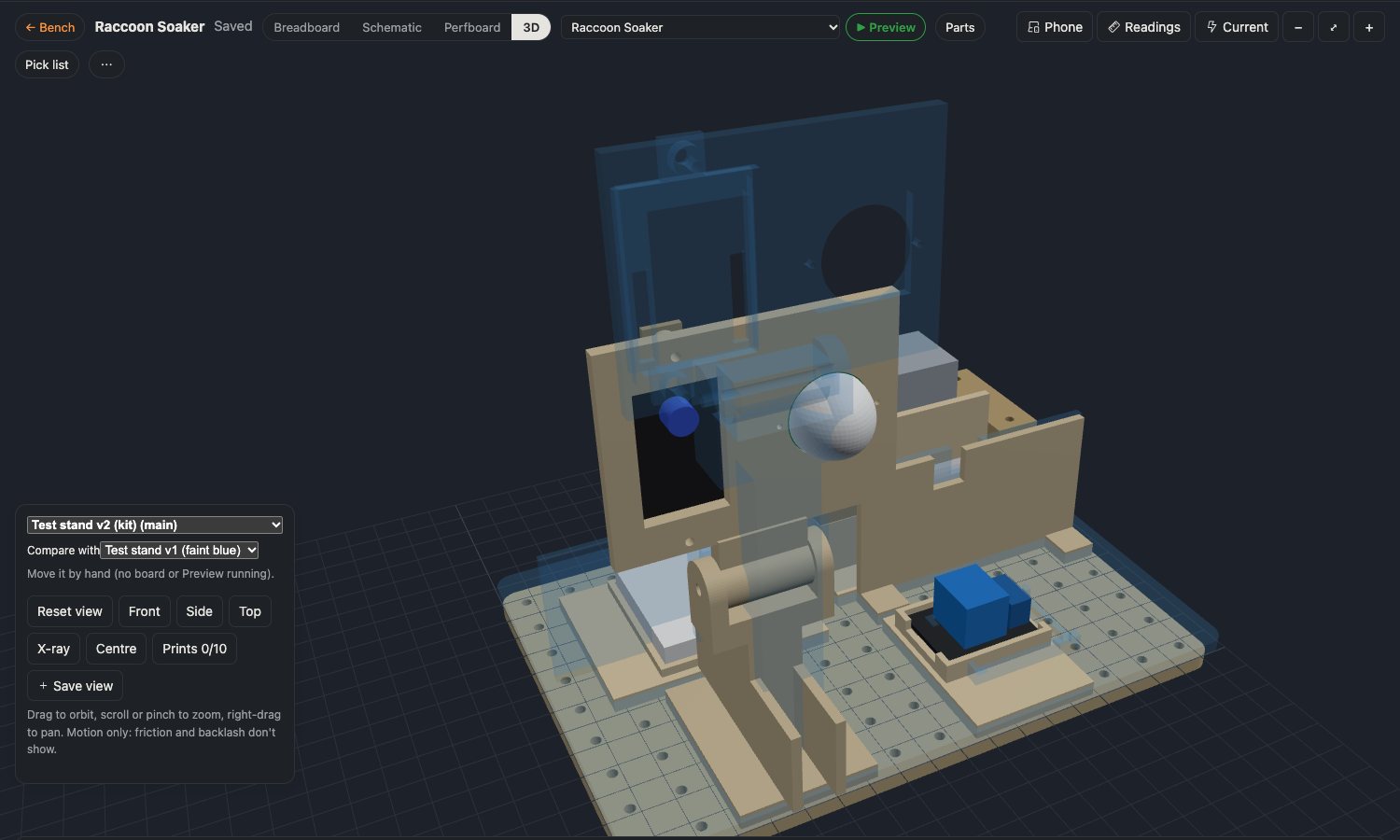
The Raccoon Soaker's enclosure is on its fourth version, and it's now 20 small prints. Version 4 has a sled inside the box with the relay, the buck converter and the camera on it, plus a hanger, a valve bracket, a terminal boot and a nozzle underneath. Assembled, it looks like this:
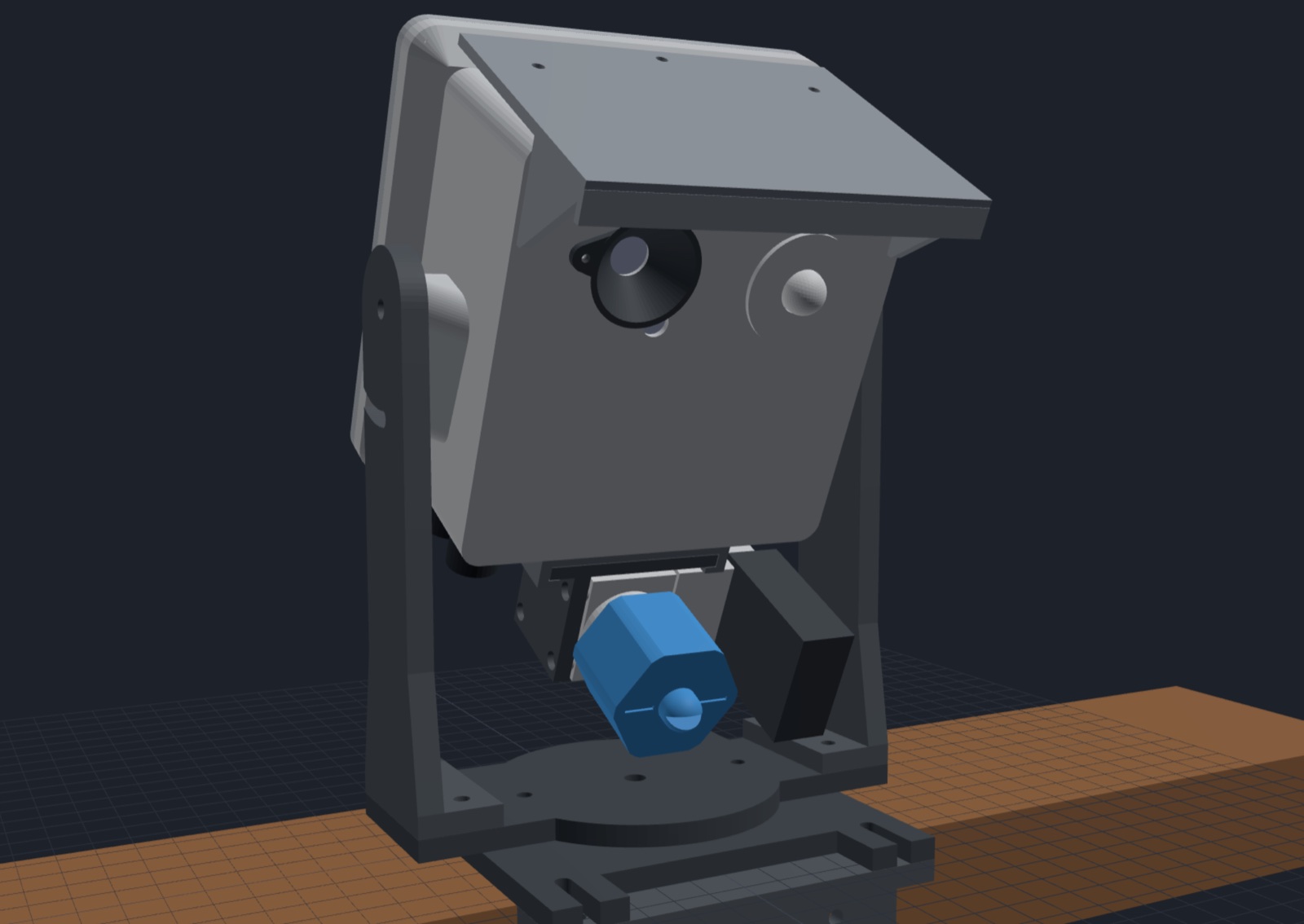
You can't see the sled at all. You can't see how the valve hangs either, or what screws into what. X-ray made everything see-through at once, which shows that things are in there but not how they fit. I wanted what a CAD program gives you: pull it apart.
How it works
A model script can now list groups in its assembly file. Each group has a name, its parts, and a direction it moves out in when exploded. Each part can also have a small offset of its own, so the pieces inside a group spread apart instead of moving as one lump. The 3D panel then shows:
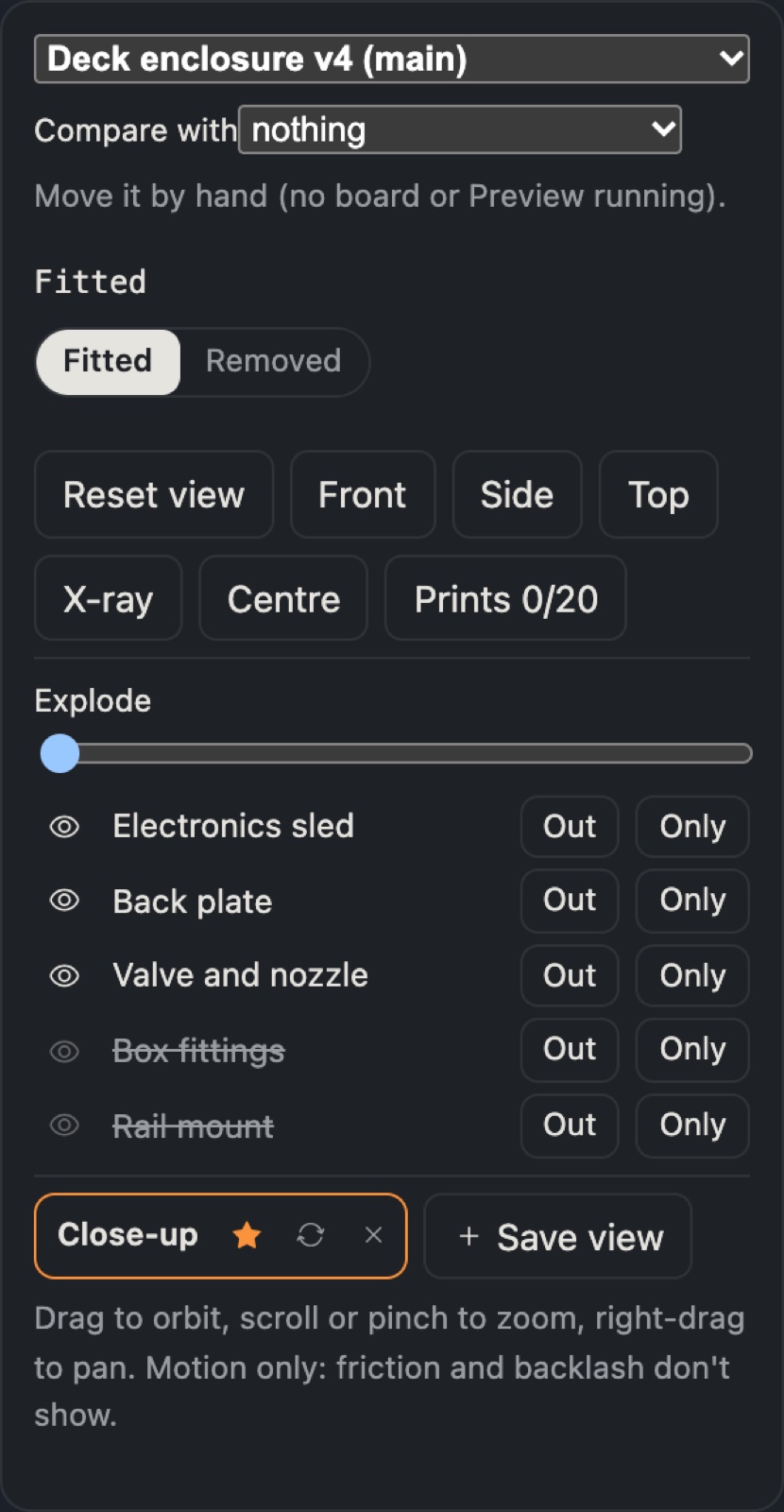
| Control | What it does |
|---|---|
| Explode | pulls every group out, 0 to 100 % |
| Out | pulls just that group out |
| eye | hides or shows the group (hidden: the eye dims and the name is struck through) |
| Only | shows just that group, and frames the camera on it |
Explode adds to the model's existing motion. The back plate can still be fitted or removed while everything's exploded.
One detail took some care: the enclosure hangs on its yoke tilted 25° down toward the steps. "Out the back of the box" isn't straight back in the world, it's back and up. The model script turns each group's direction by the tilt before writing it, so the sled slides out along the box's own rails.
What didn't work at first
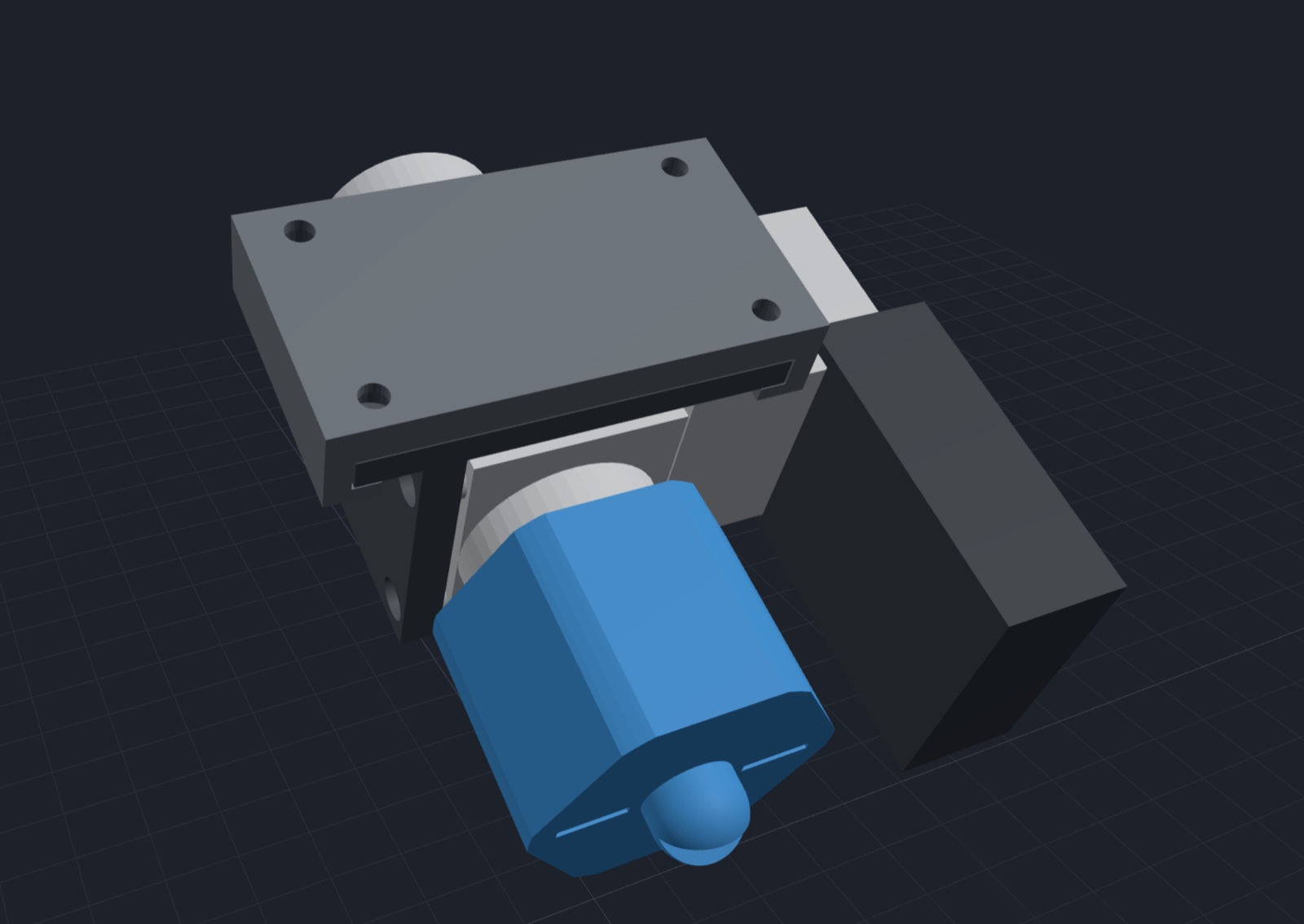
- The exploded parts ran off the screen. The camera was framed on the assembled model, so the rail mount fell off the bottom and the sled off the top. Reset view now frames whatever is showing, exploded or not. Only waits until its group has finished moving, then frames it.
- Saved views only kept the camera. The views I wanted to keep were things like "the valve on its own" and "the rail mount hidden". Views now also keep what's hidden, which group is pulled out, Only and the slider. Each view also got a refresh button, to update it to what's on screen without making a new one.
Looking closely found a bug
Turning the model around with the yoke hidden, a lopsided triangular ramp stood out on the side of the box, under the yoke's arm. It was a 45° support I'd added so the box could print without supports. I'd made it from the boss and a big rectangle on the wall, and it came out as a wedge. It would have printed, but it was a bad shape. Now the support is the boss's own outline slid forward, so the boss just leans at 45°.
What I learned
- If you can't see how it goes together, you can't check it. Hiding the yoke turned up a bad shape almost at once.
- Explode in the model's own frame. A tilted part should come out along its own axes, not the world's.
- A view is more than a camera angle. What's hidden and what's pulled out is half of what you wanted to look at.
- Small controls beat one big one. The slider is nice, but Only and the eye are what I actually use.
Comments (0)